Heroic Minds Hub
(Team Lead How it Works)
A community sharing knowledge and ideas that make people better.


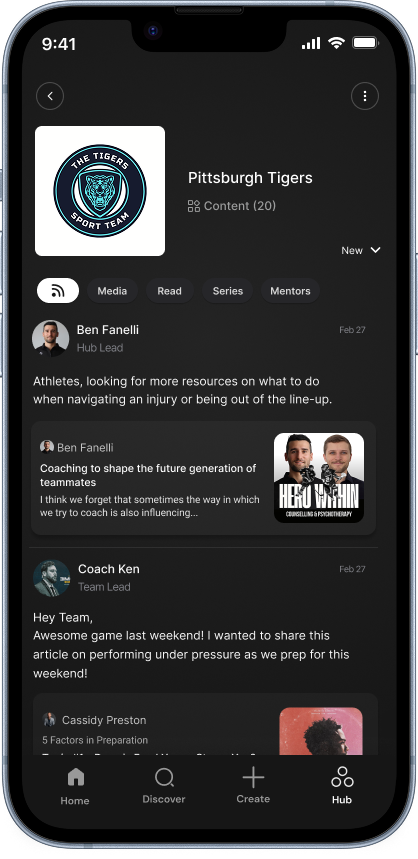
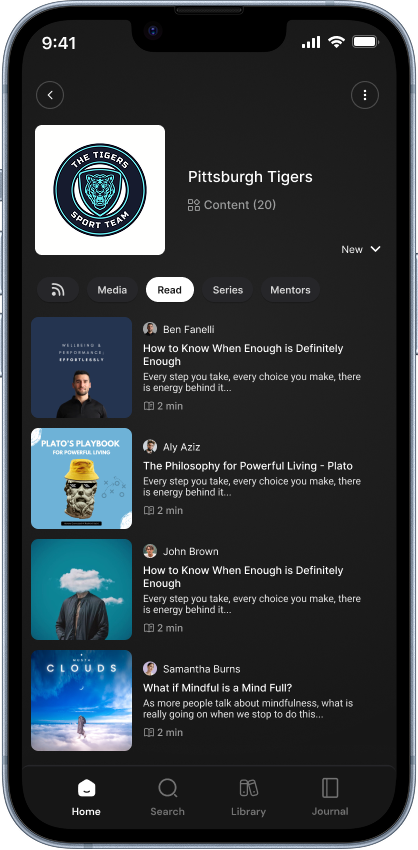
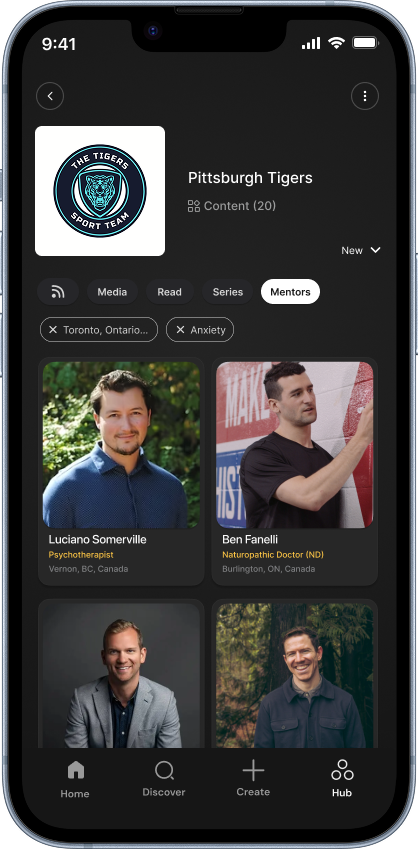
Download to get started:
WHL Access Code: WHL678
Share Content + Message to Feed
To share content with a message in your feed navigate to the content
you would like to share on web or mobile. Click the ellipsis (three dots) or (+) icon. Select your hub. An option will appear to “Share to Feed.” Click this option and a new modal will pop-up to add a message. Click “Share to Feed.” Members will receive a push notification of this message in their feed.
Turn on Performance Check-Ins
Toggle Performance check-ins to ON. This automatically sends a questionnaire to the athletes from your team on the last day of each month. You can come back to your Hub page to view the results. To understand the sub-clinical scoring structure please click the data explained button.
Share a Message to Your Feed
To share a message to your Hub feed, navigate to your feed. Click “post to the feed" and a message modal will appear. Click to begin tying and when complete click “post to Feed.”
Invite Your Members
(Coming Soon)
Within Hub Settings, in the top right hand corner you can invite members via email or by copying and sharing the access code. We recommend sending the app download link and code to your members. Your members apply the code when signing up OR in settings if they are already a user. Instantly they will have access to the Hub. (Download link here)
Organizations on Heroic Minds